
AI agents, implemented and wired into your business.
We connect AI to the systems you already run — Xero, Microsoft 365, Stripe, your store and point of sale — so the bookkeeping, invoicing, inbox and order admin get done every day, with a person in the loop.
- Xeroconnected
- Microsoft 365connected
- Stripeconnected
- Point of saleconnected
- Supplier feedsconnected
- Your websiteconnected
Eight kinds of AI a small or medium business can put to work.
Back-office agents
Agents that do the admin inside your systems every day.
- Bookkeeping & reconciliation
- Invoicing & payment follow-up
- Purchase orders & supplier bills
Inbox & document processing
Read, sort and extract what matters from email, PDFs and scans.
- Invoice & receipt extraction
- Inbox triage & drafted replies
- Filing to SharePoint or Drive
Customer-facing chat & voice
Answer customers 24/7 from your own content, then hand over to a person.
- Website chat assistant
- AI phone receptionist & call notes
- SMS & WhatsApp replies
Sales & lead handling
Capture, qualify and follow up every enquiry so none go cold.
- Lead qualification & routing
- Quote drafting
- CRM updates & follow-up reminders
Knowledge assistants
Ask questions of your own documents, policies and job history.
- Internal Q&A over SharePoint/Drive
- Staff onboarding assistant
- Procedure & compliance lookup
Operations & scheduling
Keep jobs, bookings, stock and rosters moving without re-keying.
- Booking & job intake
- Stock & supplier sync
- Rostering & reminder messages
Reporting & insight
Pull numbers from every system into one plain-English summary.
- Daily & weekly business summaries
- Dashboards (Power BI, Looker Studio)
- Cash-flow & overdue alerts
Custom AI apps & integrations
When nothing off the shelf fits: we build the app and the connections.
- Connect systems that don’t talk
- AI features in your website or store
- Custom portals & internal tools
Already running for real businesses.
These connections run every day for our clients and our own studio. The same approach extends to the rest of your stack.
Xero
Matches bills and bank lines, raises and checks invoices, flags anything that doesn’t add up.
Live at Kings Packaging
Microsoft 365 & Outlook
Reads the inbox, sorts what matters and drafts replies and invoice emails for a person to approve.
Live at Our own studio
Stripe
Takes card payments and marks invoices and orders paid automatically — prices always checked on the server.
Live at Ringside Sports
Point of sale
Connects online orders and catering enquiries with the shop’s POS and order board.
Live at AB Bakery (Oolio POS)
Supplier feeds
Pulls products, prices, stock, variants and photos every night and hides sold-out items.
Live at Ringside Sports
Website forms & leads
Captures enquiries with photos and details, routes them and keeps a register so nothing is lost.
Live at Titan Remedial · AB Bakery
Bank statements
Imports statement exports and matches each payment to the right invoice.
Live at Our own studio
Databases & spreadsheets
Works with SQL databases, CSV and Excel exports when a system has no API.
Live at Every project
110+ systems, across 16 parts of your business.
Accounting, payments, CRM, e-commerce, POS, bookings, trades, HR, support, phone and more. If it has an API, webhooks or an export, we can connect AI to it.
What it looks like in your business.
Trades & construction
- Enquiry → job → quote, drafted automatically
- Supplier bills coded in Xero or MYOB
- Job photos and notes filed to the right project
Hospitality & food
- Catering and phone orders onto the kitchen board
- Supplier invoices matched to deliveries
- Rosters, reminders and review replies
Retail & e-commerce
- Catalogue, price and stock sync from suppliers
- “Where’s my order?” answered instantly
- Abandoned-cart and restock messages
Health & allied health
- Appointment requests and reminders
- Intake forms and referral letters processed
- After-hours phone answering with call notes
Professional services
- Inbox triage and drafted client replies
- Time, billing and overdue follow-ups
- Knowledge assistant over your templates and precedents
Clubs, gyms & memberships
- Bookings, renewals and payment reminders
- Member questions answered from your rules
- Class and lodge availability kept in sync
Wholesale & distribution
- Purchase orders and bills processed
- Stock levels across systems reconciled
- Customer order emails keyed into the system
Property & real estate
- Enquiries qualified and routed to the right person
- Maintenance requests logged and tracked
- Documents and compliance records filed
Start with one job. Prove it. Then the next.
- Step 1
Find the hours
We look at where your team’s time actually goes and pick the one or two jobs worth automating first.
- Step 2
Connect your systems
We set up access to Xero, Microsoft 365, your store or POS — its own login, only the permissions it needs.
- Step 3
Pilot safely
It runs on a copy or in draft-only mode alongside you until the results are right.
- Step 4
Run & improve
It goes live on a monthly plan. We monitor it, fix it and add the next job.
We run our own studio on it.
Our invoicing, payment matching and follow-up are run by an AI agent we built and operate ourselves. It’s the same approach we implement for clients.
Get the same for your business →- Every morning it raises recurring invoices, checks what’s overdue and drafts reminders
- Bank statement exports are imported and matched to invoices
- Recurring schedules for every client, so no invoice is forgotten
- Emails are drafted in Microsoft 365 for a person to approve and send
- A daily report and a full backup of the books, every day
- Migrated 460 invoices from our old accounting software, reconciled to the cent
Useful, and safe to let it run.
A person approves what matters
Emails to customers and anything involving money go out as drafts or flags until you’re happy to let them run.
Least-privilege access
The agent gets its own access with only the permissions it needs — revocable at any time.
Tested on a copy first
New workflows run against a copy or in draft mode before they touch live data.
Daily reports and backups
You get a report of what it did each day, and the systems we build are backed up daily.
Your accounts, your data
It works inside your own Xero, Microsoft 365 and Stripe accounts. Nothing is locked in with us.
No passwords by email or chat
Access is set up through proper sign-ins and API keys — never shared in a message.
✓ invoices raised and checked
→ odd receipts flagged for review
Kings Packaging
An AI agent that takes the bookkeeping grunt work off the desk.
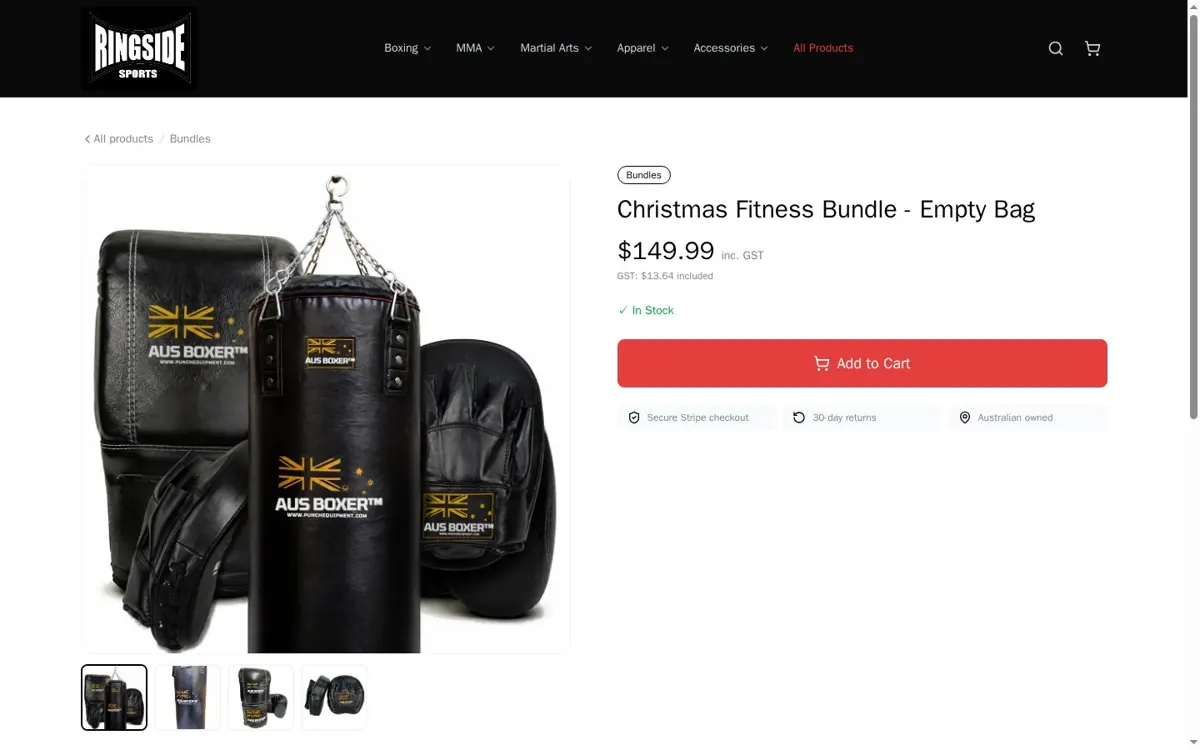
Ringside Sports
A combat-sports store whose catalogue keeps itself up to date.
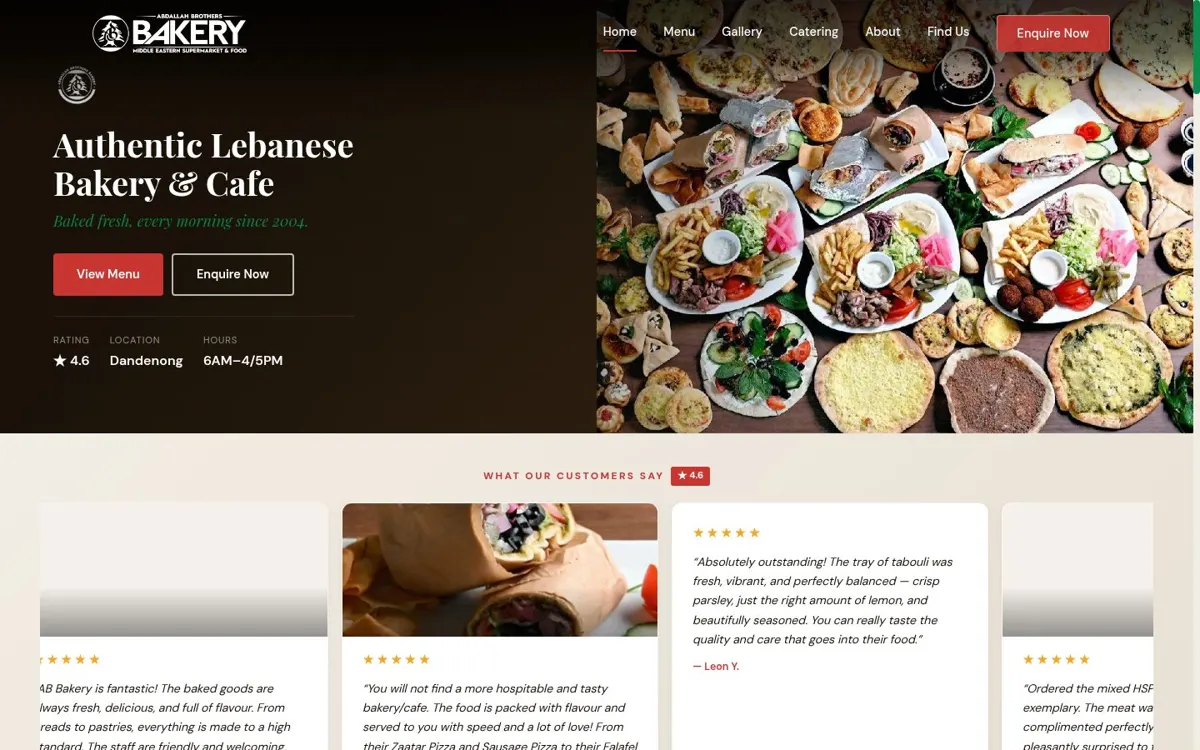
AB Bakery
A bakery website with an ordering back office built for the kitchen.
AI implementation — FAQs
What does AI implementation actually involve for a small business?
We pick a repetitive job — bookkeeping, invoicing, order entry, inbox triage — connect an AI agent to the tools you already use (Xero, Microsoft 365, Stripe, your POS or store), test it on a copy or in draft mode, then run and monitor it for you on a monthly plan.
Which systems can you integrate AI with?
Most of the software small and medium businesses run: accounting (Xero, MYOB, QuickBooks), Microsoft 365 and Google Workspace, payments (Stripe, Square, PayPal), CRMs (HubSpot, Salesforce, Pipedrive), e-commerce (Shopify, WooCommerce), POS, booking and practice-management systems, trades job management (ServiceM8, simPRO, Tradify), support desks, phone and SMS. If a system has an API or webhooks we connect to it directly; if it doesn’t, we work with exports, spreadsheets or email. Systems already running in production for our clients include Xero, Microsoft 365, Stripe, the Oolio POS and supplier feeds.
Will an AI agent replace my staff?
No — it takes the repetitive admin off them. Anything unclear is flagged for a person rather than guessed, and you decide what it’s allowed to do on its own.
Is my data safe?
The agent works inside your own accounts with only the access it needs, and you can revoke it at any time. We use business AI services whose terms don’t use your data to train their models, and we never ask for passwords by email or chat.
What happens if it makes a mistake?
New workflows start in draft or approval mode, so a person checks the output before anything is sent or posted. Once it’s live you get daily reports, and we monitor and fix issues as part of the monthly plan.
We’re a small business — is AI worth it for us?
Often more than for big companies, because a few hours a week matters more in a small team. We start with one job that clearly costs you time, prove it works, and only expand once it’s paying for itself.
Can you add AI to software we already have?
Yes — that’s most of what we do. Rather than replacing your systems, we connect an agent to them so the work flows between Xero, your inbox, your CRM or job system and your website without anyone re-keying it.
Do I need to buy new software?
Usually not. The point is to make the tools you already pay for — Xero, Microsoft 365, your store or POS — do more of the work.
How is AI automation priced?
A one-off setup to connect, build and test it, then a monthly plan that covers running, monitoring and improving it. Send us a message with the job you want off your desk and we’ll quote it.
What would you hand to an agent first?
Tell us the task and the tools involved — Xero, Outlook, your store, a spreadsheet. We’ll reply within one business day with how we’d automate it.